 Fat Gone
First compare the same type of calorie figure
A watch may show active calories and total calories for the same workout. The Fat Gone calculator shows gross session energy, including an estimated resting component. Compare total with total for the same session, or explicitly account for resting energy before comparing with an active figure.
In the website’s default brisk-walking example, thirty minutes produces about 148 kcal gross and 117 kcal above the model’s resting baseline. That difference alone can explain two apparently conflicting numbers; it does not show a sensor error or prove either estimate exact.
Reference: Apple: Heart Rate, Calorimetry and Activity (2024)
Align start, finish and moving time
Check when each record began and ended. A watch workout may include a stop if it was not paused, while a manually entered duration may exclude it. Conversely, automatic recognition can cover a different period from the one you remember. Match the time window before comparing the values.
Write down moving time and breaks. If a thirty-minute outing included ten minutes sitting, record the moving segments rather than assigning all thirty minutes to continuous brisk walking. Do not stretch the duration just to make the website match the watch.
Check the activity description and conditions
A general cycling selection does not describe every ride. Hills, wind, stops and effort can differ from the category you chose. Walking entries also describe particular speeds and surfaces. A mismatch between the real activity and the selected MET value changes the manual estimate.
Choose the closest supported description and acknowledge what it does not model. If the website’s small set of activities does not fit, the app’s broader activity catalog may provide a more specific option. A more detailed category still supplies a typical intensity, not a measurement of your own effort.
Use consistent personal information
Apple identifies personal information and watch fit as factors in its measurements. Check that your current profile is entered correctly and follow your device manufacturer’s instructions. This is a practical input check, not a guarantee that changing the fit will make two calorie algorithms agree.
Reference: Apple: Get the most accurate measurements using your Apple Watch
Different methods do not share one accuracy claim
The website combines a profile-based BMR estimate, an activity MET value and manually entered time. A watch can combine sensor information with its own algorithms and profile. The inputs and assumptions differ; neither is a direct measurement of calorie expenditure simply because it displays a precise integer.
A 2017 validation study tested particular wrist-worn devices and found limitations in energy estimation. It cannot establish the error of every current watch, every person or every activity. Do not apply one historical percentage as a universal correction factor, or infer that Fat Gone must be more accurate because its method is transparent.
Reference: Shcherbina et al.: Wrist-worn energy expenditure validation (2017)
Use the disagreement as a check, not a target
Keep a consistent recording method for comparable activities and investigate unusual changes. Make a note of the device, activity category, profile, moving time and energy definition. This creates a useful explanation trail without repeatedly adjusting inputs until one chosen number appears.
If your goal is regular movement, judge the routine by what you completed and can repeat. Calorie differences are not evidence that a session was wasted. Do not use one estimate to prescribe extra food, compensatory exercise or an exact amount of weight loss.
A comparison checklist before changing the record
| Check | Possible mismatch | Useful action |
|---|---|---|
| Energy definition | Active versus gross | Compare matching components |
| Time window | Moving time versus elapsed time | Align start, finish and pauses |
| Activity | Different pace or intensity | Choose the closest description |
| Profile and method | Different inputs or algorithms | Verify the profile and keep the limitation visible |
Your next steps
- Read the active or total label on both tools.
- Match the activity period and pauses.
- Check profile details and the selected activity.
- Keep the same method for comparable future sessions.
- Do not modify truthful inputs merely to force agreement.
Put the idea into practice
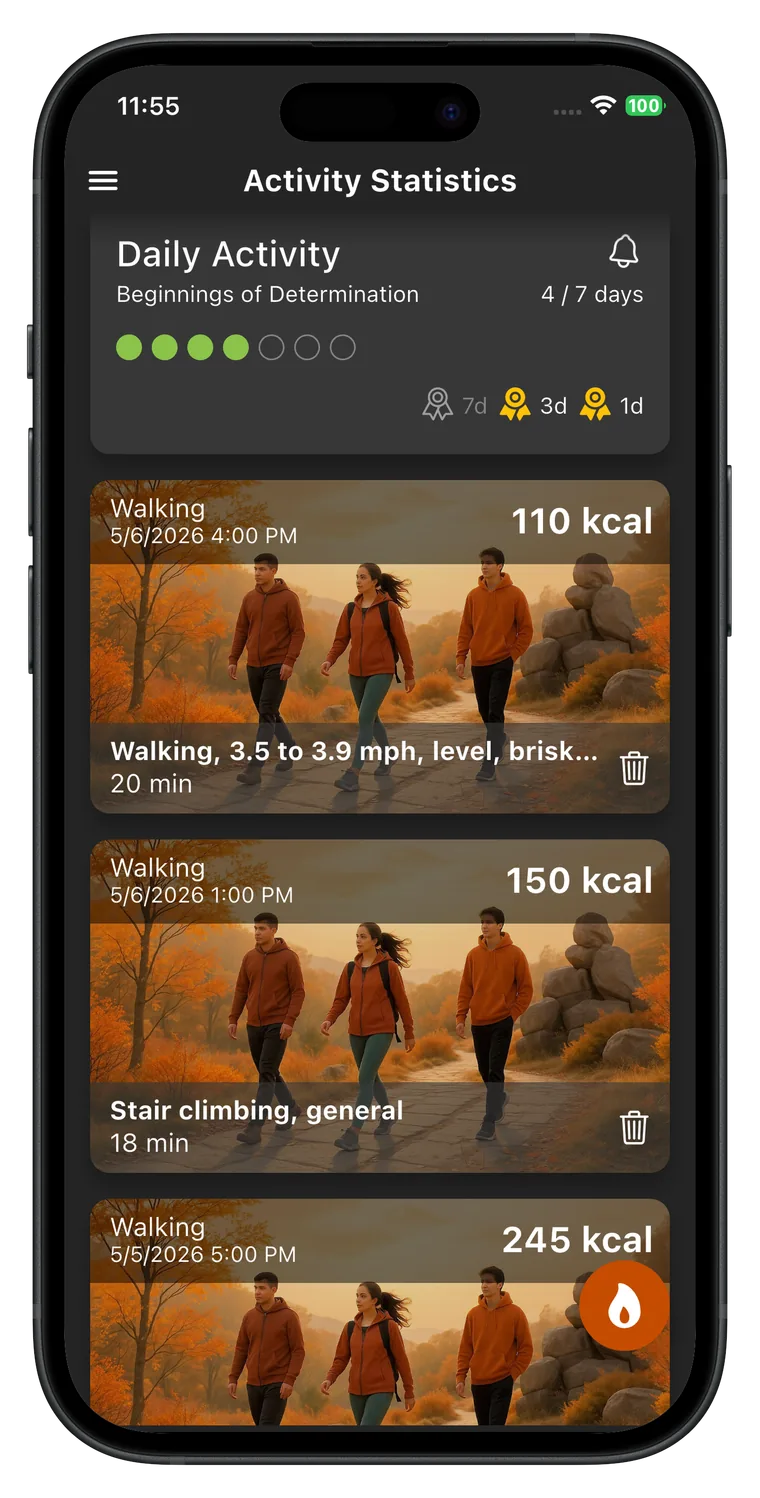
Fat Gone offers manual activity recording using its activity catalog and your profile-based estimate. It can be useful when you want a consistent record without relying on a watch or GPS. This comparison does not claim that the app imports watch data or is more accurate than a particular device.


Sources and editorial scope
These guides explain activity planning and the app’s estimates. CreamSoft checked product details against the app source on 1 October 2026. They are not a medical review or an individual exercise prescription. Linked research and official guidance provide context; examples are illustrative.